Cloning is the process of copying and paste data from hard disk to another location. Disk cloning is useful for full system backup, system recovery, rebooting and to convert a physical server to virtual. It is not possible to copy hidden files or in-use files. To over this problem open source cloning software are introduced in digital market. Now, even you can save backup image from your files or folder. If you are looking for best & free disk imaging and open source cloning software for cross platform, then scroll down. Check out here which one is better cloning software for your system.

5 Awesome Open Source Cloning Software:
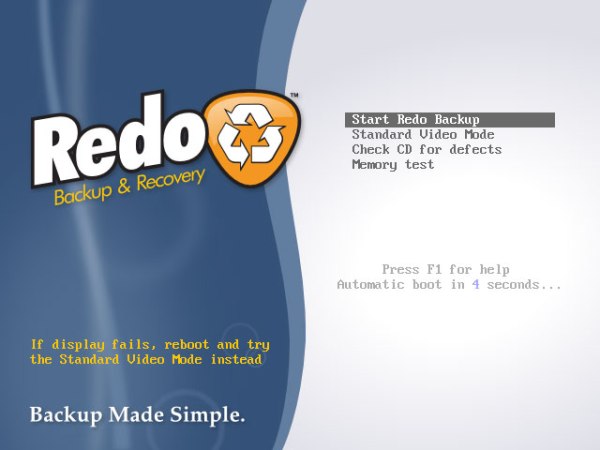
Redo backup is one of best open source cloning software to clone drivers easily. Features of Redo backup clone software as following:
- No additional installation is required, runs from USB device or by CD-ROM.
- It works for all, cross platform.
- Small in size.
- Save and restore deleted files/data, documents and media.
- Internet access to download other drivers.
- You can access files without login.
- Automatically locate local network share.
Clonezilla is a program for partition and disk imaging. It is the one of free and open source cloning software. The aim of clonezilla is to convert disk data into single .img file. You can copy this converted data to another disk.
Great features/services of clonezilla are:
- Support to BIOS and GPT partitions.
- Support to many file systems such as ext2, ext3, ext4, Xfs and more.
- It has ability to reinstall grub 1 and 2 on any hard disk.
- Suitable for massive clone.
- Trinity Rescue Kit:
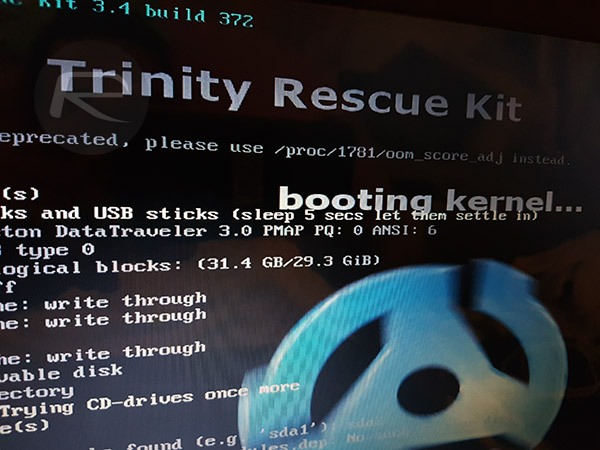
The aim of trinity rescue kit is to repair and recover the operations of window systems as well as Linux. Recovery issues it includes cloning, password reset and rescue. Some other great features are:
- Clone computers over the network.
- Recover lost partitions.
- Easy script to find and mount local file systems and much more features.
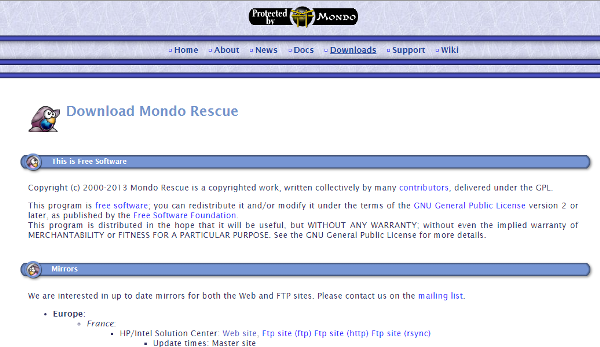
Another best open source cloning software is Mondo software. It is cross platform software which also work on your Linux system. This software is very popular used by large and small organizations.
Features of Mondo Rescue are:
- It supports to clone tapes, USB disks, multiple file systems, software and hardware RAID.
- Restoration can be done from the network through PXE.
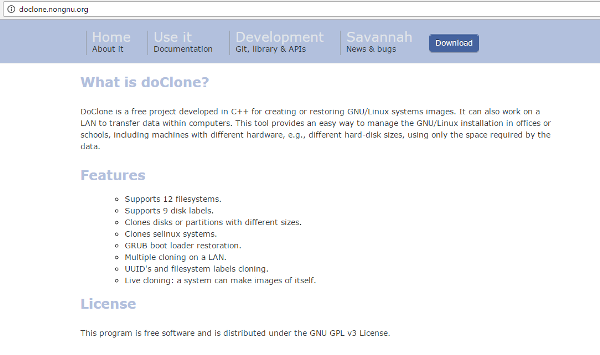
Doclone is open source cloning software which is developed in C++ especially for Linux systems.
Great and stunning features of Doclone are:
- It supports to 12 different file systems.
- Grub boot loader restoration.
- Transform clone image via LAN.
- It supports to live cloning and many more.