Use sync tool to synchronization data between desktop, laptop, remote FTP and various online data storage. Some Sync tool includes compression and encryption. File synchronization software are essential for those who work on more than one computer. These software are comes out with many forms. Getting difficulty to sync important files? Scroll down and checkout the following list that we have assembled with top 6 cross-platform and free file sync tools. Before choosing right sync software for yourself, use the following criteria to evaluate its performance.
- User interface
- Basic features like schedulers as well as advance sync features
- Reliability
Top 6 Cross-Platform and Free File Sync Tools:
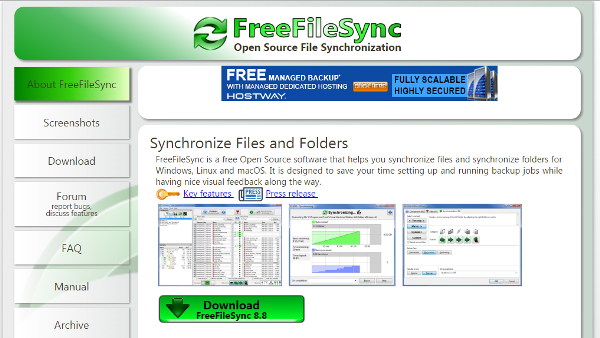
This is open source, cross-platform and free file sync software. The list of it’s cool and impressive features are as following: –
- Intuitive user interface
- No limitation on sync files
- Detect conflicts and propagate deletion
- Case sensitive synchronization and much more
This software is highly demanded to sync files through web-based interface and your desktop. The standard features of this cross-platform and free file sync software are as below: –
- Get files anywhere, on any device and share with anyone.
- Automatically sync
- Keep your videos, photos files safely on dropbox
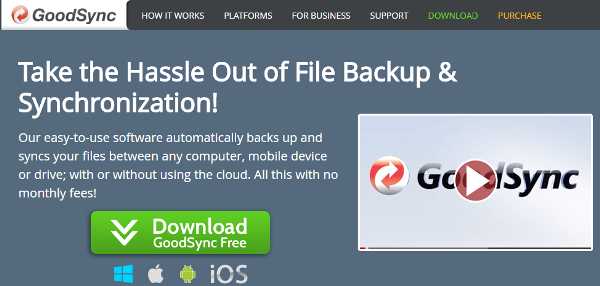
Goodsync is one of cross platform and free file sync software. It can be used on any computer, mobile device with or without cloud. It is highly recommended software with great features.
- P2P sync
- Cross platform
- Fast speed
- Real time sync and more
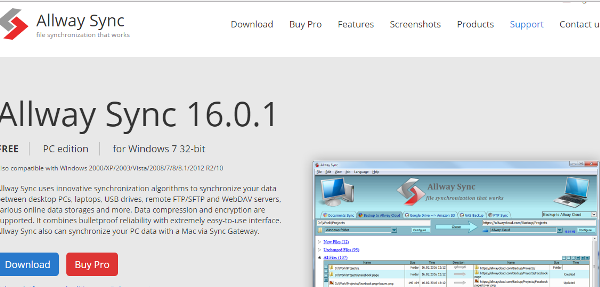
Allway sync is a reliable cross-platform and free file sync software. It support to encryption and compression. Other features are listed as below: –
- Easy to use interface
- Protect from malware or spyadware
- Innovative algorithms
- True and remote synchronization
- Support to removable devices
- Reliable and many more.
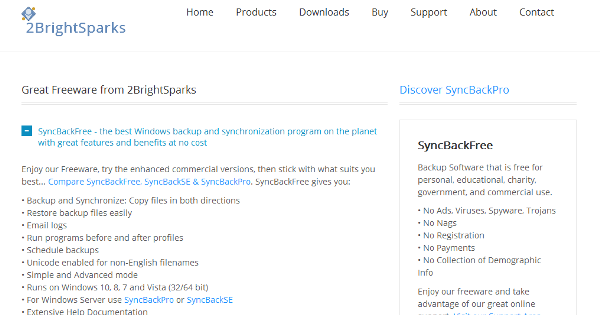
Syncbackfree is cross-platform sync tool for personal, education, government and commercial use. Take the online advantage of this free sync tool.
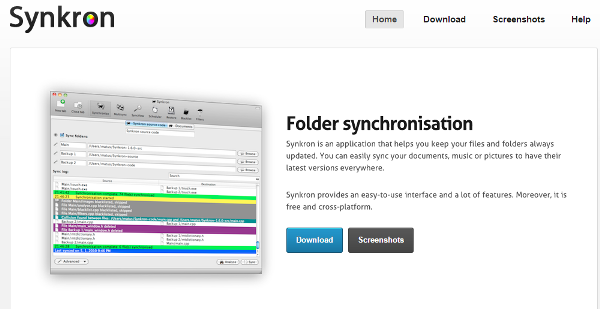
Synckron helps you to keep your files and folder updated. It is also a cross-platform and free file sync tool with easy to use interface. Checkout the features of synckron
- Support to sync multiple folders same time
- Restore the files if overwritten or deleted
- Includes various configuration options