With wide range of options, large and medium development companies are growing in mobile world to offer mobile applications. Each tool/platform is unique. Also, each has different features, capabilities, advantages, drawbacks and behavior. In this age and day, every one is now familiar to open source mobile development tools.
There is millions of consumer app that are multi platform and can fulfill your needs. Following is a list of open source mobile development tools with low code builders that can achieve your aim. Organizations that want to create mobile applications to boost productivity & challenging task can choose a suitable tool from below list. Even beginners can work on these easily. To get better result, choose one platform first and build your experience for it.

10 Open Source Mobile Development Tools: –
- Rho mobile: –
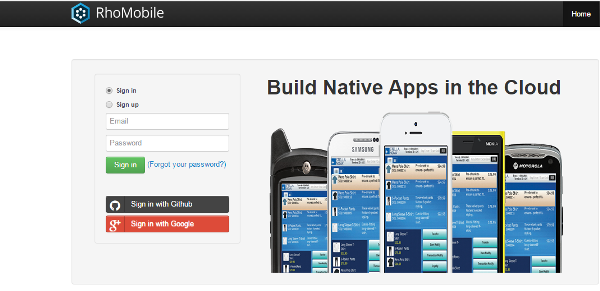
Rhomobile is Ruby based framework which is open source mobile development tool to create native applications. Native apps support to all kind of modern hardware. It also support to all platforms such as Android, windows and iOS. For easy to use and accurate work, browse the link of Rho Mobile.
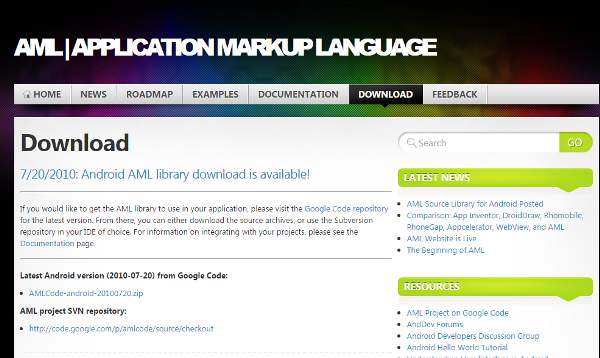
AML is XML Based language open source mobile development tool that allows you to build native, clean and functional application. Currently, AML is especially for Android mobile device. Good features about AML are as following: –
- Easy to build
- Dynamic straight view
- Clean and simple code
- Flexible and compatible to new technologies
- Anti-fraud platform
- Kurogo: –
Kurogo open source mobile development tool offers you to create engaging, content-rich, attractive mobile applications. This tool is for ordinary people to create campus application, enterprise apps, hospital apps, publishers, program & tour and more. This is cross platform tool.
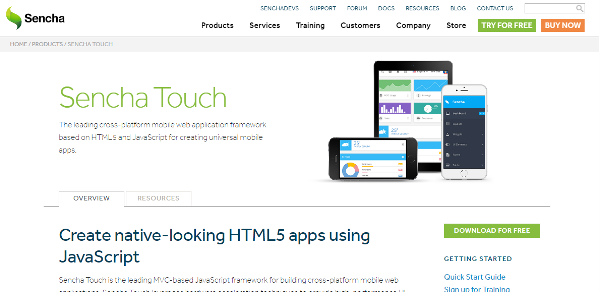
Sencha – An open source mobile development tool offers a variety of tools for cross platform. HTML 5 focused based tools allows you to create browser compatible application. Sencha has more than 50 themes and built in components for every mobile platform. Cool features of Sencha are as following: –
- High performance
- Adaptive layouts & Animations
- Backend Agnostic data package
- Advanced mobile charting
- Native package
Alpha is one of encouraging open source mobile development tool that allows you to build major mobile applications. Users of all skills level can work with Alpha. Low- code Alpha’s additional features are-
- Data integration
- Application security
- User experience
- Offline capability
Kony Javascript based open source development tool offers you drag & drop and reusable widgets to develop mobile application. This open source infrastructure manages APIs and integration as well. Different hardware and software requirements for Kony depend on operating system. Browse the above link to know more about Kony.
The Titanium development platform of Appcelerator supports to you to build real time mobile applications. It helps you to build native apps by deploying java script base code. Scroll down to ensure Appcelerator features.
- Deploy data models
- Integration
- Pre-built connectors
- Easy to understand interface
5App is a latest open source mobile development tool that offer services to build native applications for all OS. A free trial version is offered by company for digital hub of your business. Start your career with 5App strategies. To ensure its features, browse the above link.
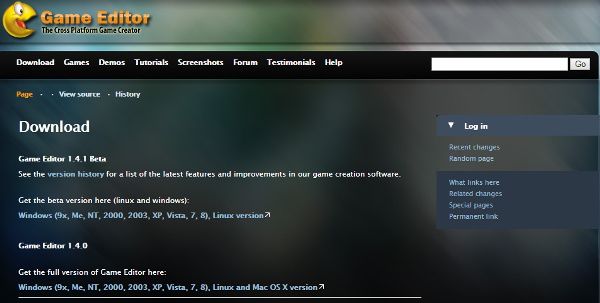
Want to Design/develop own game for iphone, ipad, Mac, windows or other OS. Game editor is one of best open source mobile development tool even for beginner. Checkout the following features before download.
General features: –
- Event-driven development
- Support to multiple animations per action
- Tile draw tool
- Global and local scripts
- Periodic and random timers and more
Unity 3D is a graphic and open source mobile development tool which is cross platform. You will find everything that you need like free tutorials, online training and more. You will feel empowered with unity. Once your code is ready in unity script or c#, you can export them to different platforms such as Windows, iOS, Android etc.