In this era, we are living in the mobile world where offices apps have been gaining valuable productivity in the purposes of Spreadsheets, drafting documents, presentations and even for tracking. To create and edit document/file on mobile device for urgent work, you need a free office app. If you and your hard work are running on wrong platform, don’t panic. Here is a list of right office apps that are working wonderful on your android phone. Though office suite atmosphere has changed a little yet a couple of office apps are in demand. Let’s jump into the following list to get the answer of which one is better? After pouring the features of each, we have mentioned here.
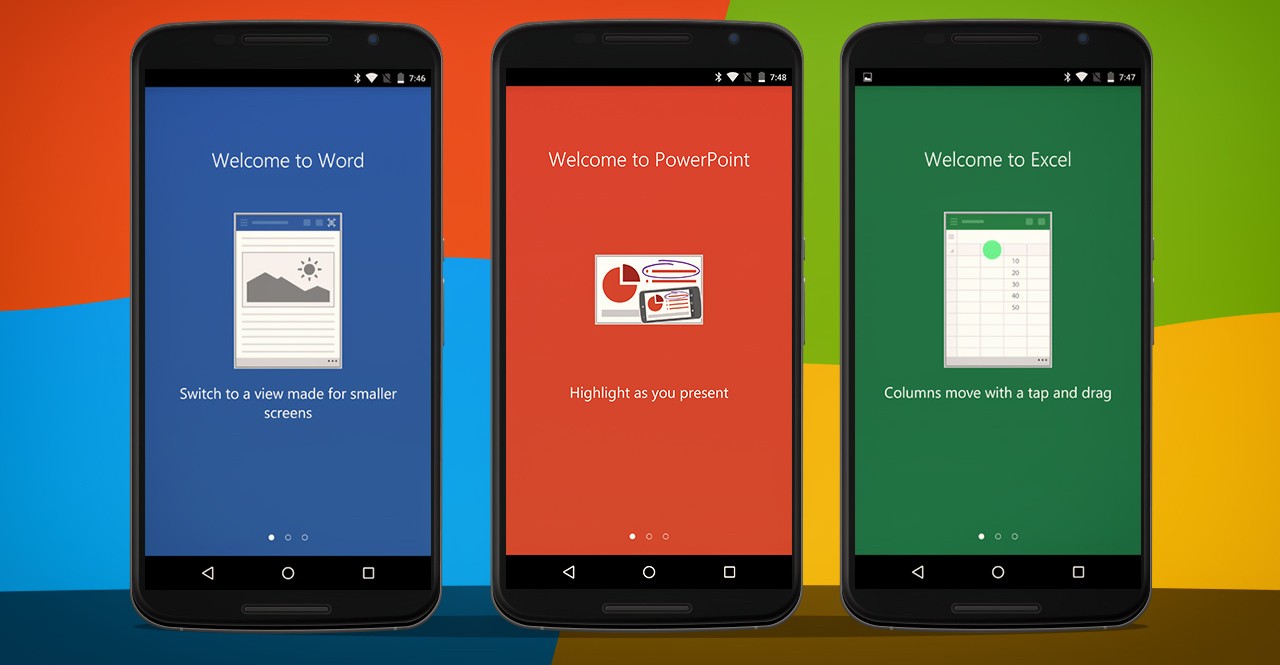
6 Most Useful Office Apps for Android Devices:
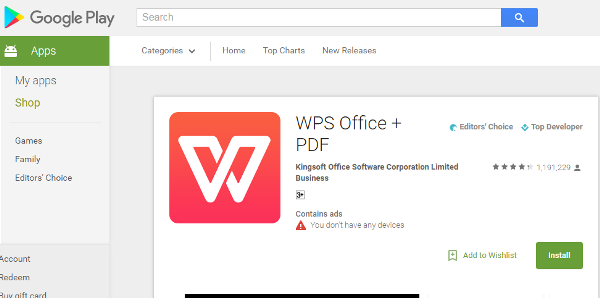
The one of most advanced office suite, which is completely free too – WPS office. It offers everything that you need for your android device. WPS has excellent compatibility to create document with advanced options. Other Notable features are as following: –
- Great compatibility with word, excel & PowerPoint
- Support to wireless printing
- Fast & light in weight
- Access of cloud files
- Document encryption and auto save
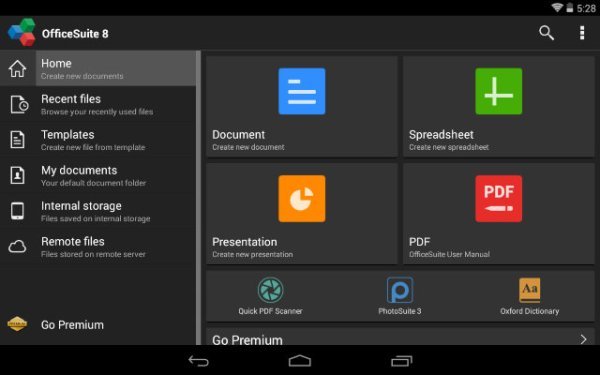
Office suite 8 – A Familiar interface was launched as a version of Microsoft office. To get access of everything download the free trial version today. Standard features of Office 8 are: –
- Comes over in 50 languages
- 100% safe and virus free
- User friendly interface
- Support to a large number of formats
- Converting .docs files to PDF and more.
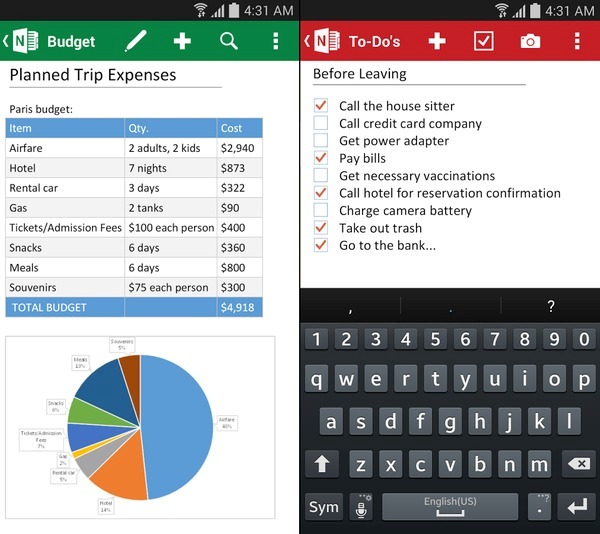
Prefer to work with easy to use & user friendly interface. Like interface, OneNote has many other advantages that’s why this is one of the best office apps for Android phones. On the basis of advantages, take a look of its depth features that are mentioned as below: –
- Automatically syncs
- Integration
- Draw diagrams with stylus-equipped device.
- Backup and cloud accessible
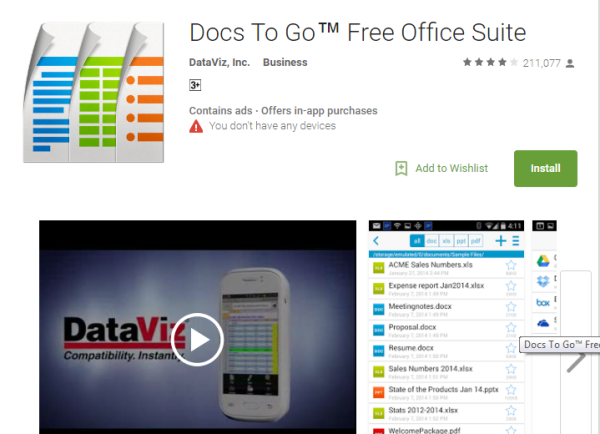
DocstoGo has been updated with more modern features. Now, it has excellent support to word processing, spreadsheet editing and presentation editing. If you are going with its premium pack, it gives you the access of password-locked files. Browse the link to grab it today. Key benefits are as following: –
- User interface includes extensive editing and formatting options
- Create, edit and view PowerPoint files
- PDF view
- Cloud storage
- Support to Advance excel spreadsheet
Google Docs, Sheets and slides are still one of best useful office apps for android smart-phones. This application includes word processor Docs, Spreadsheet editor sheets and presentation maker slides. Key features of Docs, sheets and slides are: –
- Clean and easy to understand interface
- Compatible with word, PowerPoint & Excel
- 15 GB free storage
- Convert to PDF files and more
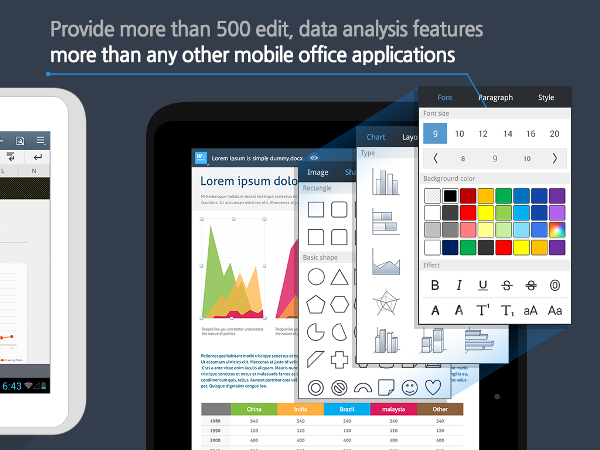
At this time, Polaris office is one of excellent & useful office apps. Very clean interface will help you to work with concentration without any Kind of distraction. Like others, following are the key features of Polaris office: –
- Support to different office formats
- Very clean interface
- Offers Polaris drive for documents sync
- Support for camera mode to scan documents
- Offers a couple of templates