Backup software is always important for personal computers or servers to prevent permanent data loss. Backup tools or softwares are important especially for System Administrators, who work with large amount of data. Searching for Backup software especially for Linux and UNIX systems? Good backup software has the ability to recover Human errors, RAID or disk failure, File system corruption, Data center destruction, logging backup activities and many more. You are on informative platform. Here you will get the information about best and awesome open source backup software for Linux and UNIX.

5 Awesome Open Source Backup Software for Linux and UNIX like Systems:
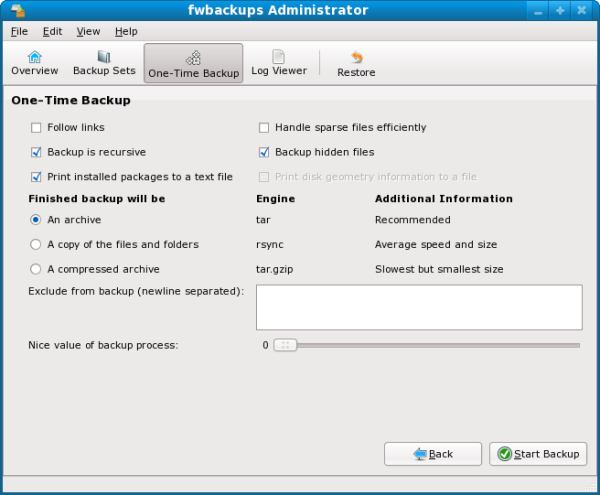
Fwbackups is free and open source backup software for Linux and UNIX systems. It is cross platform and rich in features. Users can contribute by testing it. Fwbackups has an intuitive interface that offers you to do backups easily.
Rich features of Fwbackups are as following:
- Simple and attractive interface
- Flexibile in backup configuration
- Facility of Remote backups
- Backup of entire file system
- Exclude files and directories and many more.
Recommended:
9 Best Free FTP Clients for Linux
7 Best Free Online Radio Apps for Linux Users
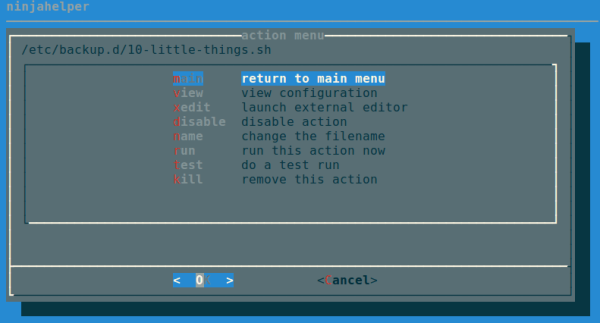
Backupninja is powerful and open source backup software for Linux and UNIX systems. It allows user to perform backup activity and configuration files. Backupninja helps you to perform secure, remote and incremental backups over a network.
Good and great features of backupninja:
- Easy to use and read ini style configuration files.
- It uses scripts to handle new types of backups.
- Schedule and update backups.
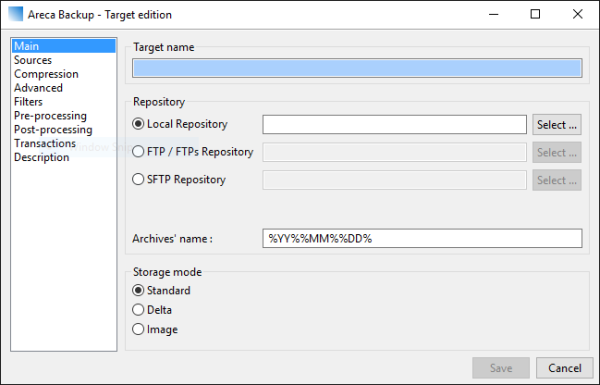
Areca is open source backup software for Linux and UNIX systems. It has been gaining popularity for personal use. It allow user to select a set of files or directories for backup and select the backup method and storage location.
Great features of Areca:
- Simple to use
- E-mail notification about backup process
- Browse archives and more.
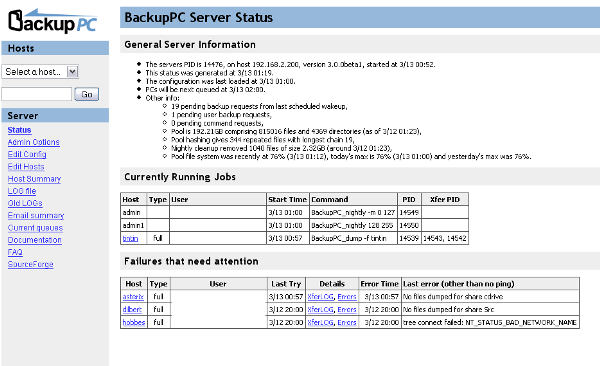
BackupPC is a cross platform and open source backup software for Linux and UNIX systems. It is developed for enterprise level with high performance. BackupPC can be used on servers, desktop and laptops.
Stunning features of BackupPC are:
- It reduces disk space usage by file compression.
- No need of client side software.
- Flexibility during backup restoration.
- Configure through different parameters.
Useful: 8 Best Data Recovery Tools For Linux
-
Amanda
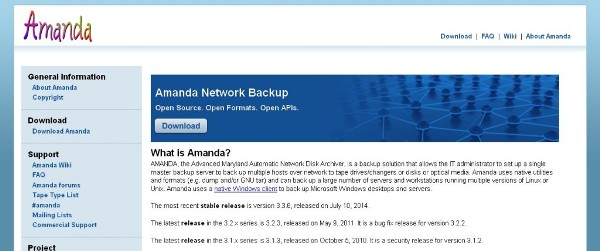
Amanda is open source backup software for Linux and UNIX systems. It supports to native backup utilities and formats. You can setup a single backup server to store your backup data from several machines on a network.