Are you using old & slow PC or new high performance system? Linux is king for all users. Nowadays, Linux Desktop Environment is popular for its user-friendly interface. Unlike windows or Macs, Linux also got positive response from all kind of users. Each Linux Desktop has its own features, appearance and style. Even it is also suitable for low hardware configuration. Are you confused, which Linux Desktop Environment is suitable for you? Here we have compile a list of top Linux desktop Environment for you.
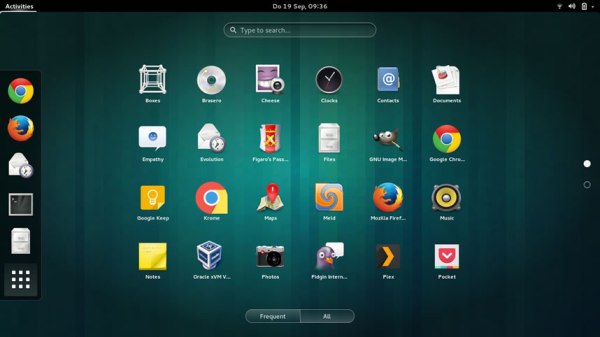
Take a look below and decide where you should start?
8 Linux Desktop Environment Which You May Like A Lot:
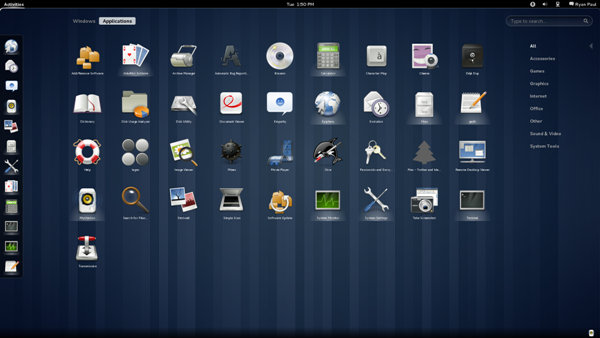
Gnome is one of very simple attractive and easy to use interface of Linux desktop environment. A user can easily install it and can use its amazing features. Gnome 3 is latest version of this which is fully loaded with new features and gives you focusing environment to make your more productivity. A tweak tool gives you a lot of options to do in it as below-
- You can set a window focus mode.
- You can customise system fonts.
- A plus point is you can add extensions and applications.
- You also can set Gnome theme.
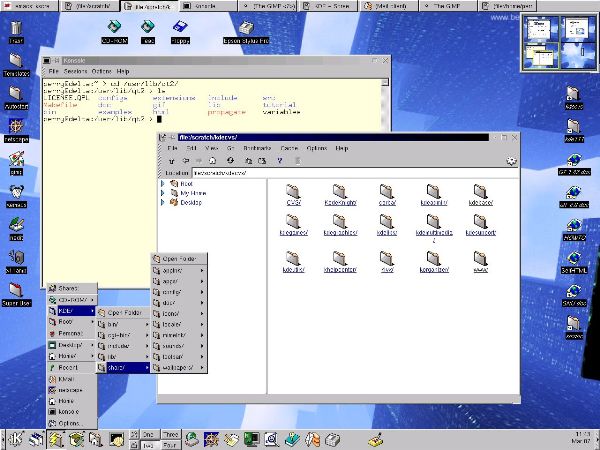
Following Gnome, KDE is the one major and attractive Linux desktop environment which has also great features like windows. If you want to experience a Linux desktop same as Window OS, this is a great option for you. This means you can easily use it. It offers you great app and themes. You can customise settings according to your requirements.
- Mate–
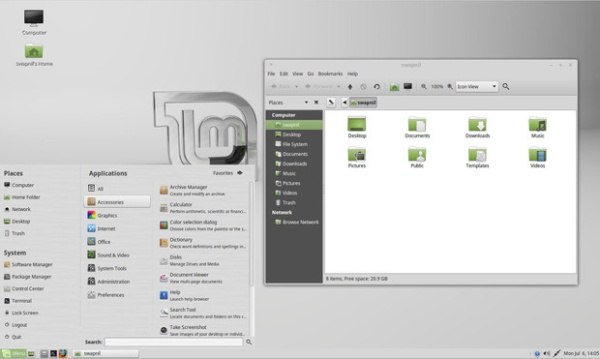
Are you still confused? Mate is the next version of Gnome2 which overcomes the difficulties of Gnome2. It includes file manager, text editor, image viewer, calculator and many features. Mate is tested under Ubuntu which is more reliable than Gnome2. The one of major feature of Mate is lightweight.
- LXDE (lightweight X11 desktop environment)-
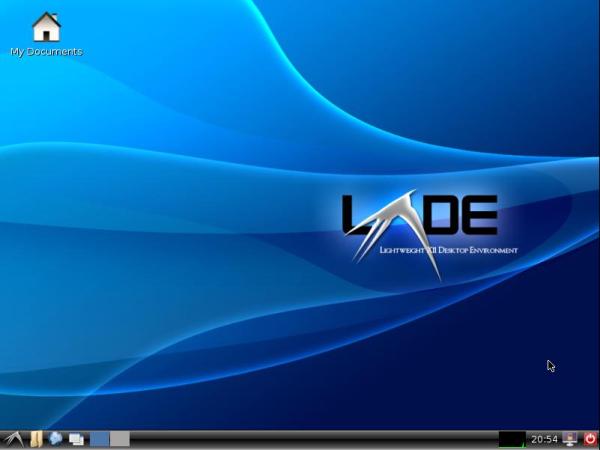
LXDE is one of fast performance Linux desktop environment which is design for Cloud systems or low hardware configuration. It is very suitable to old and slow systems. Features of LXDE as below-
- Lightweight.
- Attractive and Easy to use interface.
- Support multiple languages.
- Support multiple keyboard shortcuts.
- Xfce–
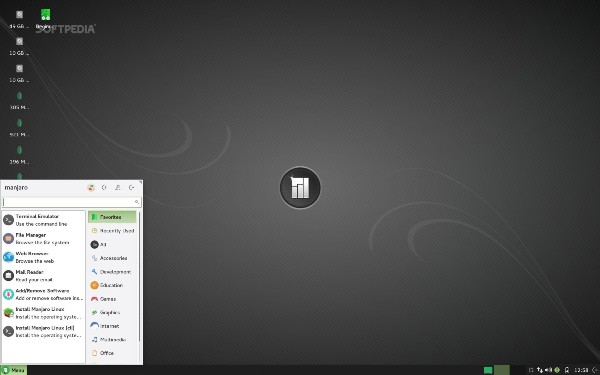
Xfce is one of oldest, attractive and most popular Linux desktop environment. Xfce is rich and has much reliable features. it is also light weight in the term of functionality and it works just like Gnome2. It includes window manager, media player, CD/DVD burner, calendar application and many more.
- Unity-
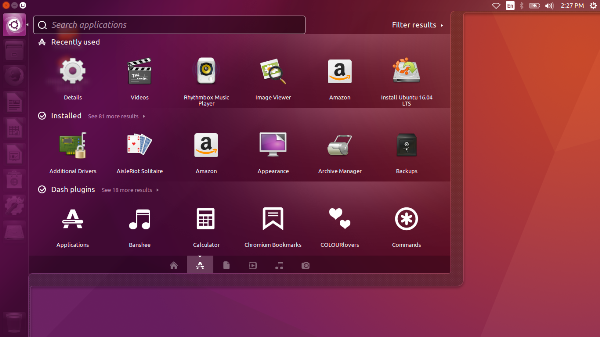
Unity is the open source Linux desktop environment which is replaced by Gnome. This gives you a great feature for search application or file in search bar. Unity works with good hardware configuration. It is not available on major distributions, a user can easily download and install.
- Cinnamon-
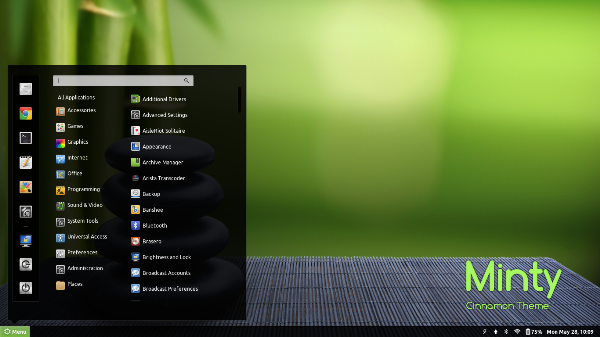
Cinnamon is great and latest development of Linux mint developer by Gnome Technologies. It offers great WIMP (windows, icons, mouse and pointer) components. For great experience, you can buy it from all major distributions. Cinnamon is more familiar than unity.
- Openbox-
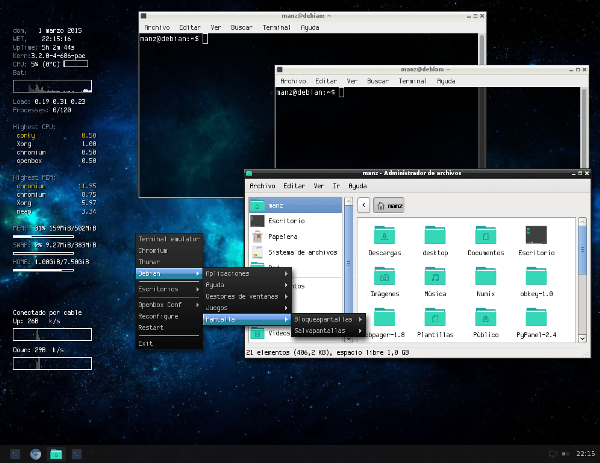
Are you still thinking which one is better for your PC ? Don’t think what other offers you. Try to openbox Linux desktop environment. It has great features, when you trigger to right-click all menus and applications are opened. It is completely highly customised and gives you user friend environment.