When you think up for Microsoft, what strikes to mind first? Expensive software or Apps? It may take little time to think something positive about Microsoft online services and apps. Microsoft’s office suite is free for iPad, iPhone and Androids. Office strategy includes Excel, PowerPoint and word. Just some days ago, Microsoft integrates to Dropbox for cloud storage service. Now, you can download office and store all documents without paying a single of pie to Microsoft. Microsoft is now going to launch iPhone app. Here we have compiled a great list of Microsoft online services and Apps to support more modest needs. Microsoft services can meet to your needs at any rate. Scroll down and check which one is better for you.
5 Free Microsoft Online Services & Apps You Didn’t Know Existed:
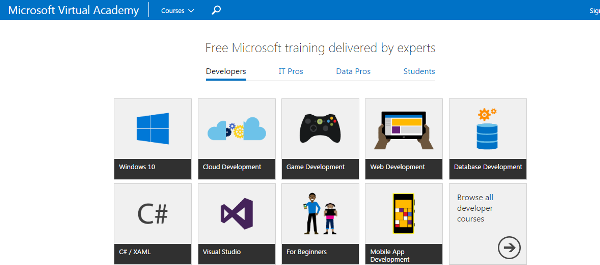
To upgrade IT Skills and computer knowledge, have a look into Microsoft virtual Academy. This is one of best Microsoft online service to learn more true. You can search on any topic or product for free. This will deliver the result according to changing location. You can access into multiple language. Register today at Microsoft Virtual academy to access information.
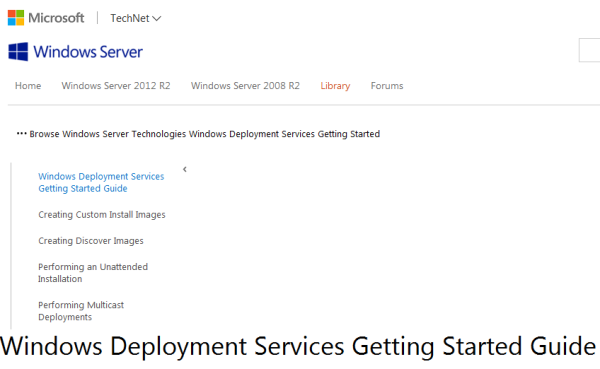
This Microsoft online service comes out with the combination of MDT 2012. This service helps you to deploy and manage operating system packages. To update and redesign the version of remote installation service or to download deployment service documentation, browse the link.
- Windows evaluation Copy: –
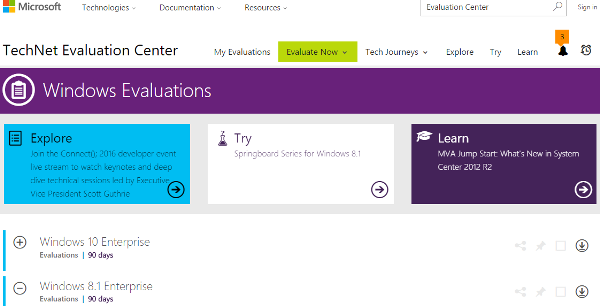
Not only you can get deployment service, you can also get evaluation copies of Microsoft operating system. Microsoft offers 90 day for free evaluation copies. To get sign-in or register on Microsoft account, throw your basic detail with name, location and purpose to download this service on above link. To try first time or to learn more about this service and its resources get a lecture on Microsoft Virtual Academy.
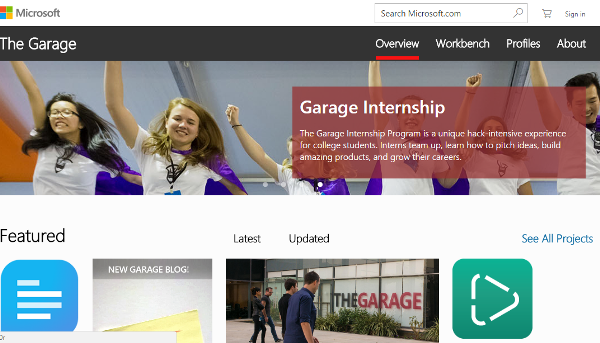
Microsoft Garage- space of people. It works with consumer’s feedback. This service includes office-talk, conversation translator and mouse without borders. Workbench feature of Microsoft includes games, lock screens and tools for windows, Android & iPhone.
- Application Compatibility Toolkit: –
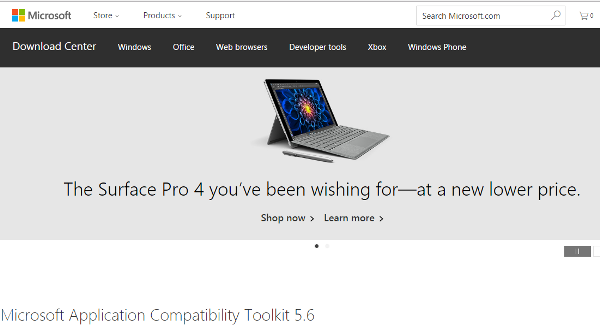
Application Compatibility is one of best Microsoft online services to scan your network. This check out Are they compatible? The Compatibility Administrator allows you to set a couple of shims that will help you to solve typical trouble-shoot problem.